
USB External HDD Enclosure + Cable Adapter from IDE 44-pin PATA Hard Drive to USB

€9.69*
Shipping within Germany: €5.95
Available, delivery time: 1-3 days
7 Stück verfügbar
Product information "USB External HDD Enclosure + Cable Adapter from IDE 44-pin PATA Hard Drive to USB"
Condition: Neu
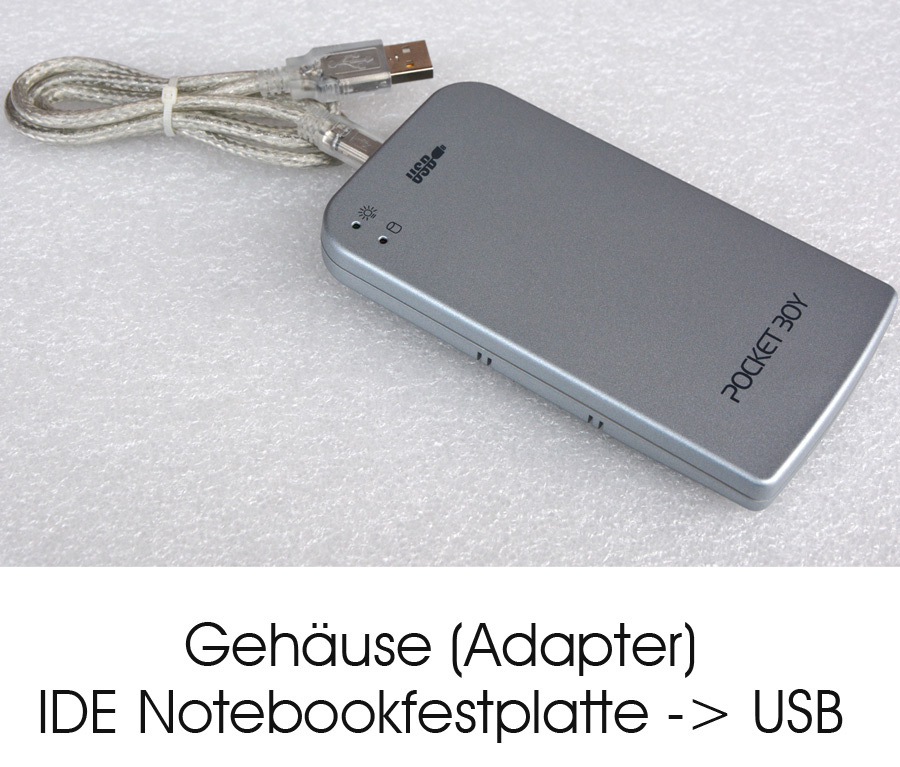
External case for 6,35cm IDE 44-pin notebook hard drives (2,5")
with USB cable
compatible with any IDE hard drive and requiring no external power supply – making your hard drive truly portable! Suitable for Mac and PC, bootable / startable.
This enclosure does not require an external power supply – a rare feature! Its intelligent and energy-efficient design allows you to connect an external hard drive to your notebook on the go, which forces me to comment on the actual mobility capability.
Indeed: What is the point of a so-called "portability" for a laptop if you still have to carry the power adapter around?
...
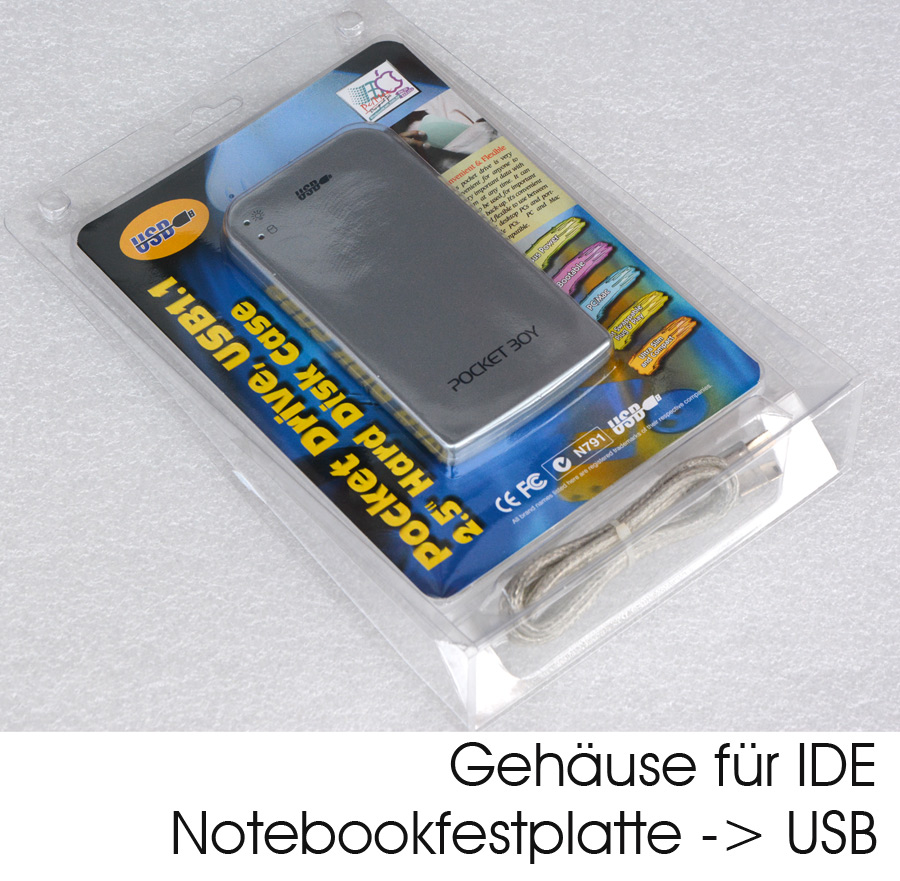
The enclosure features standard USB 1.1 and works with any Pentium I, II, III, IV, all AMD-K7, K8, Dual-Core, i3, i5, i7 processors, and all other laptops & PCs.
Full compatibility: you can operate your hard drive via both USB 1.1 and USB 2.0 with this enclosure.
Some application examples:
Data transfer between two or more PCs or laptops, as well as data exchange: This enclosure is also a very interesting solution if you wish to transport data between two or three PCs or laptops – an "old" hard drive connected via USB to any PC or laptop can serve as a cache. Simply remove the hard drive, connect it, and transfer data to another PC/laptop via a USB port.
Data recovery: even if the operating system is damaged and a reinstallation is necessary, you can recover your own data (from the laptop) yourself – saving a lot of money in the process. No specialist knowledge is required to operate a hard drive via USB. If you perform the data recovery yourself, you will save a significant amount of money.
Working on another PC: Simply take your hard drive with your data on the road, connect it to another PC, and there you can access data from your hard drive (or copy foreign data onto your hard drive), as well as modify and save data.
Expanding hard drive capacity: Connect an external hard drive to expand your notebook's storage capacity. Here is how it works: open the case, install the hard drive, connect it to the notebook (USB cable included), and that is all. If you have a USB interface and Windows 98, 98SE, Me, 2000, or XP, you can access the hard drive immediately. An installation guide is included. Everyone can handle this!
WICHTIG: In theory, USB 2.0 enclosures are backward compatible. In reality, the following often happens: purchased => connected => does not work. Reality, as always, brings surprises. As an expert, I searched extensively and specifically for such an enclosure because it is no longer available in wholesale (and is not). This enclosure fits any computer or notebook with a USB interface! If your computer does not have a USB interface, you can purchase a USB expansion card (PCMCIA) here on eBay for approximately €15-20 to operate the external hard drive.
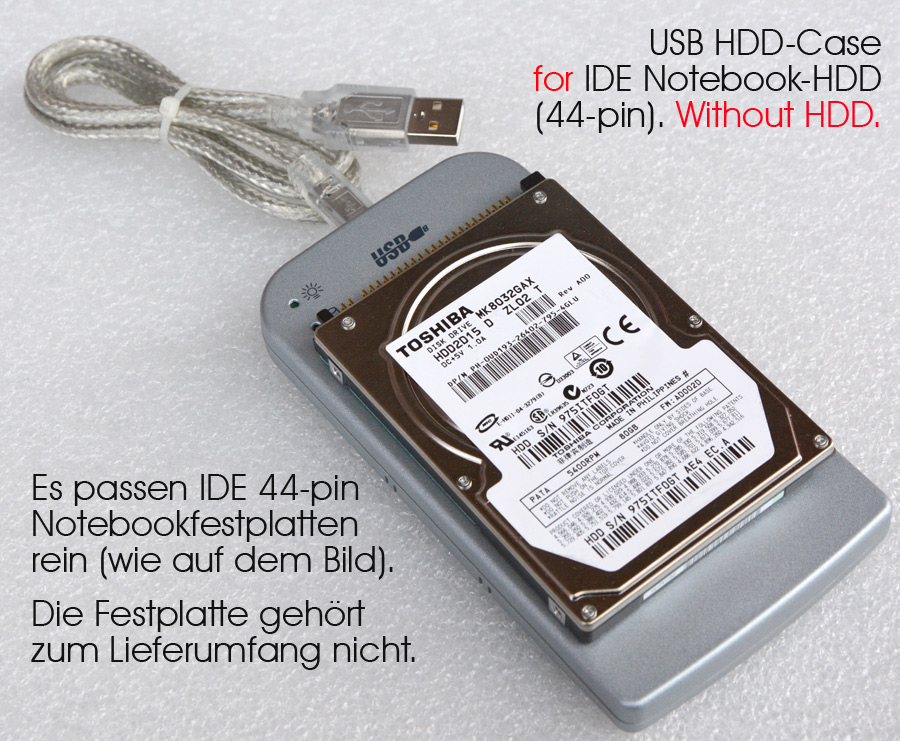
Scope of supply:
- as shown and described!
enclosure, USB cable for the computer, driver software on CD-ROM,
descriptions, installation manual, original packaging.
Technical Specifications
| Supported drive types | 2.5" drive |
|---|---|
| Brand | IDE |
| Manufacturer Part Number | Not applicable |
| EAN | Not applicable |
| Product Type | Chassis/Case |
| Country of Origin | China |
| Condition: | New |
|---|---|
| Type: | Case/Enclosure |
| Unterstützte Laufwerktypen: | 2.5 in Drive |
| Ursprungsland: | China |
Login
